One button. Then choose.
Hit + Add and paste any link — a blog, a Substack, a YouTube channel. MultivRSS asks one simple thing: follow it as a source to get every new post, or save the link to read once. No jargon, no guessing.
// HOW IT WORKS — 08 THINGS YOU CAN DO
No manual required. Paste a link, pick a few sources, and you have a calm reading room that's all yours. Here's the whole thing — each step is one screenshot and one breath of text.
Hit + Add and paste any link — a blog, a Substack, a YouTube channel. MultivRSS asks one simple thing: follow it as a source to get every new post, or save the link to read once. No jargon, no guessing.
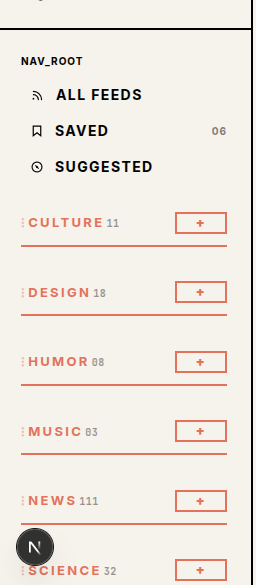
Every source lives in a category in the left sidebar — Culture, Music, News, whatever you like. The little + next to a category adds a source straight into it, and you can rename or reorder anytime.

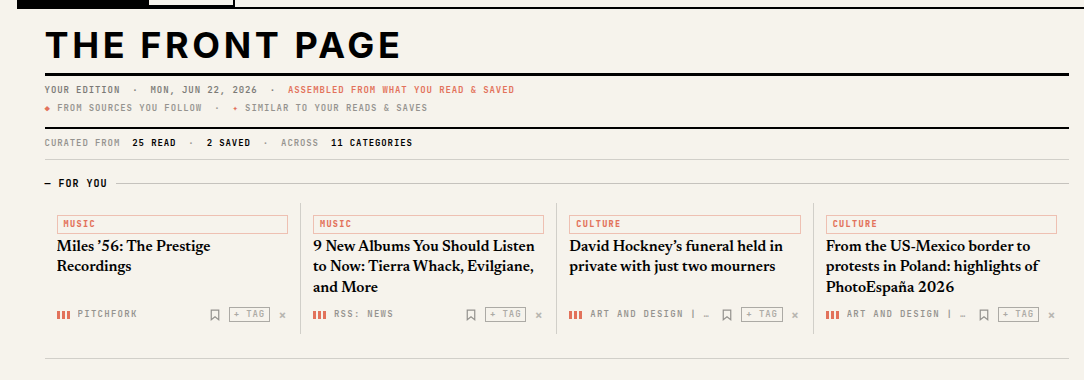
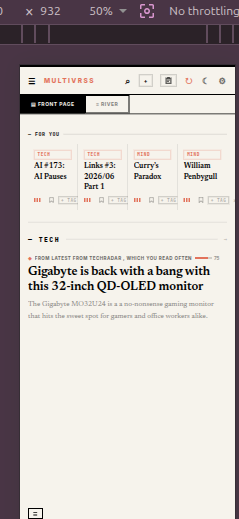
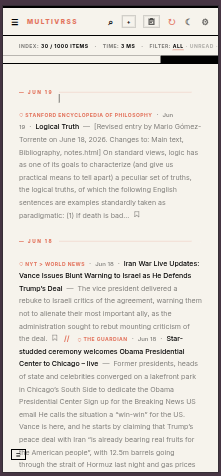
The Front Page is your personal edition — assembled from what you actually read and saved, grouped by category. Want the raw, unfiltered flow instead? Flip to River for everything in order, newest first.

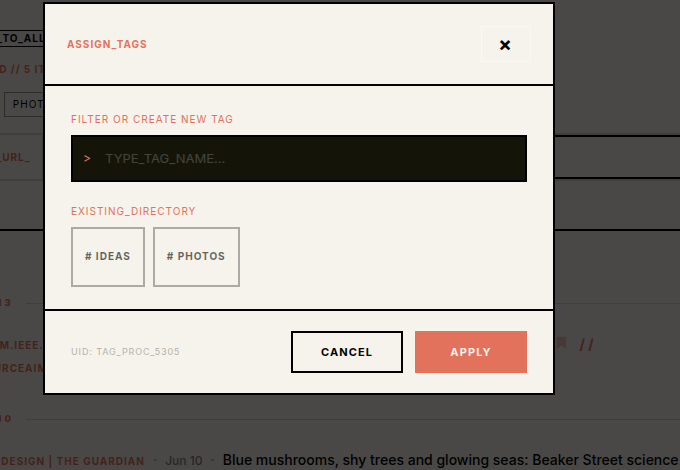
Tap the bookmark on any item to drop it in Saved. Then hit + TAG to file it under your own labels — type a new one or pick from the directory. Future-you will find it in seconds.

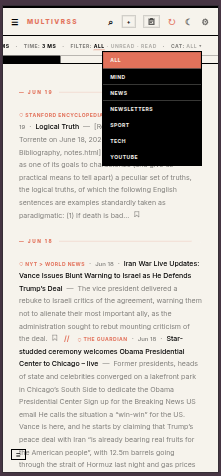
Start typing in Filter the stream and results narrow instantly across all your sources. Need to tighten it? Switch between All · Unread · Read, or jump to a single category.

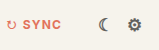
MultivRSS refreshes your feeds in the background, so there's usually nothing to do. Want the very latest right now? Hit Sync and it pulls everything fresh in a second.

Coming from another reader? Bring your whole subscription list in as a CSV. Leaving, backing up, or sharing? Export it the same way. Your sources are always yours to take.
Everything fits a phone. The bottom tab bar takes you between Front Page, River and Saved; swipe the category strip to switch sections. Same calm reading, one thumb.


// THAT'S THE WHOLE THING
Add a few sources, save what matters, and let the Front Page do the rest. No algorithm, no noise — just what's new from the web you chose.
→ START READING